
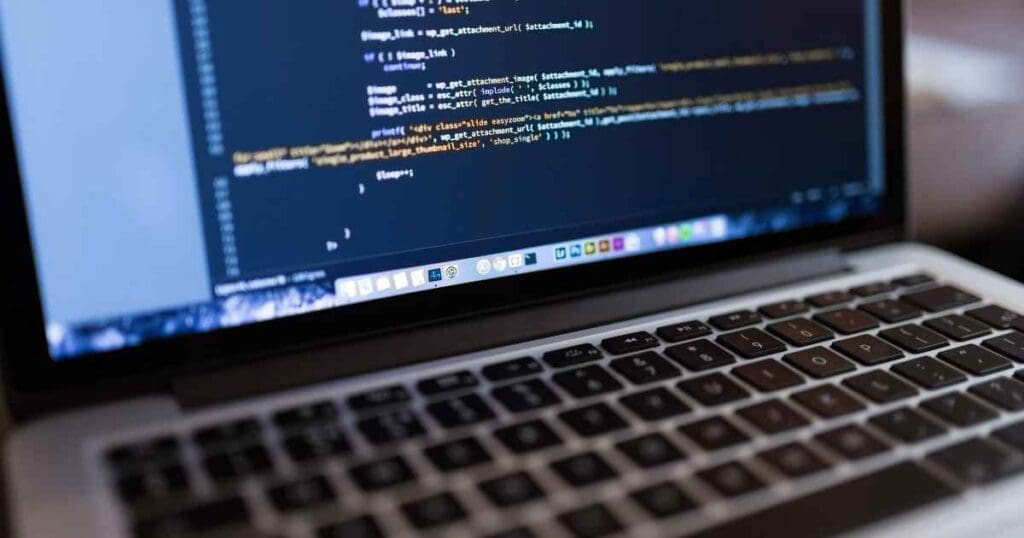
Why Your Website Needs WordPress Maintenance
Every website owner needs to know about WordPress maintenance. It keeps your site safe and makes it faster and easier to use. Without it, your website might run slow, be hard to use, or get hacked. Let’s look at how to keep your website at its best.
Keeping Your Site Safe with Security Updates
Security is a big part of WordPress maintenance. Regular updates keep your website safe by fixing any weak spots. Backups, malware removal, and speed fixes should also be part of your plan. Staying on top of these updates is key to a safe, smooth-running site.
Making Your Site Faster with Database Optimisation
A clean, efficient database makes your WordPress site run better. It speeds up data queries and makes data easy to find. Regular backups of the database are a must, too. They are your safety net in case of problems.
Keeping Things Running Smoothly with Plugin and Theme Updates
WordPress maintenance includes keeping plugins and themes up-to-date. This ensures everything works well with the latest version of WordPress. Updates often come with security fixes, which are important for keeping your site safe.
Avoiding Data Loss with Regular Backups
Regular backups are a smart move in WordPress maintenance. They are your rescue plan in case of malfunctions or hacks. It’s best to do backups every week or even more often if your site changes a lot. Store your backups in a secure cloud storage for extra safety.
Fixing Broken Links for Better User Experience
Broken links can slow down your site and frustrate users. Fixing these should be part of your regular WordPress maintenance. You can use a plugin to do this automatically or fix them by hand to keep your site error-free.
Cleaning Up Your Database for a Faster Website
Cleaning up your database gets rid of data you don’t need. This often-overlooked task makes your site faster and more secure. Regular cleanup is an important part of WordPress maintenance.
Speeding Up Page Loads with Image Optimisation
Images can slow down your site. Optimising them makes your site load faster and improves the user experience. Regular checks and updates to your security software can help keep your site safe and fast.
Testing Performance for a Better Site
Performance testing is an important part of WordPress maintenance. It checks how fast your site is and how secure it is. The results can guide you on what plugins and features to use for a better site.
Fixing Problems Quickly with Troubleshooting
Quick problem-solving is key to WordPress maintenance. A small problem can become a big one if ignored. Regular checks and using security plugins can help keep your WordPress site in good shape.
Keeping an Eye on Your Site with Ongoing Monitoring
The last piece of the WordPress maintenance puzzle is ongoing monitoring. Regular checks and updates help your site perform at its best. Remember, WordPress maintenance is a regular job, but it’s worth it to keep your site running smoothly and safely.
To wrap up, WordPress maintenance is an ongoing job that has a big impact on your site’s success. It keeps your site safe, fast, and up-to-date. If you need help with your website, don’t hesitate to reach out.
0 Comments